How to Improve Website Loading Speed with Smart Design
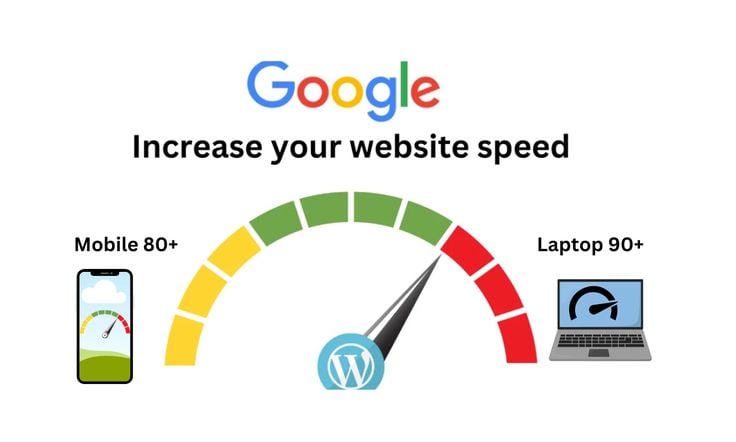
Website loading speed is one of the most critical factors for user experience and search engine ranking. A slow website can frustrate users, increase bounce rates, and hurt your business. Fortunately, smart design choices can significantly enhance your site’s performance. Here’s how to improve website loading speed by applying intelligent design strategies.
1. Optimize Images Without Compromising Quality
Large image files are one of the biggest culprits behind slow-loading websites. Use image compression tools and choose the right formats (like WebP or JPEG) to reduce file sizes. Also, ensure images are appropriately scaled to fit their containers—don’t upload a 2000px-wide image if it only displays at 300px.
2. Use Minimalist Design Principles
Cluttered layouts and unnecessary design elements can bloat your website. A minimalist design not only looks modern but also reduces the amount of code and media that needs to load. Focus on clean lines, white space, and essential content to keep your site fast and efficient.
3. Leverage Lazy Loading
Lazy loading defers the loading of off-screen images and videos until users scroll to them. This technique significantly reduces initial load time, especially for content-heavy websites. It’s a simple but effective way to speed up perceived performance.
4. Reduce HTTP Requests
Each design element—images, stylesheets, scripts—requires an HTTP request. Combine CSS and JavaScript files where possible, and eliminate unused code to cut down on the number of requests. Fewer requests mean faster load times.
5. Enable Browser Caching and Compression
Smart design doesn’t stop at visuals—it includes back-end optimizations too. Enable browser caching to store site resources locally on users’ devices and use GZIP compression to reduce file sizes during transfer.
6. Use Lightweight Themes and Plugins
If you're using a CMS like WordPress, choose themes and plugins that are optimized for performance. Avoid bloated themes with excessive built-in features that you don’t need.
7. Prioritize Above-the-Fold Content
Load critical content first to ensure users can interact with your site while the rest loads in the background. This improves user experience and creates the perception of a faster website.
Final Thoughts
Improving your website’s loading speed isn’t just a technical task—it’s a design strategy. By making thoughtful design choices and focusing on performance-first development, you can significantly enhance both user satisfaction and SEO results. If you're looking for professional assistance as a reliable Web Design Company In Udaipur can help implement these smart design practices to create a high-speed, high-impact website tailored to your goals.
Fast websites keep users engaged, boost conversions, and leave a lasting impression—so invest in speed from the start.